

RESEARCH SECURITY OFFICE
CITI Training Sign-In and Completion
Research Security Training Completion
About
Please follow the steps below in order to complete Research Security Training.
Signing-In and Completing Annual Combined Research Security Training
Open the CITI Program webpage on your web browser, https://www.citiprogram.org/?pageID=668

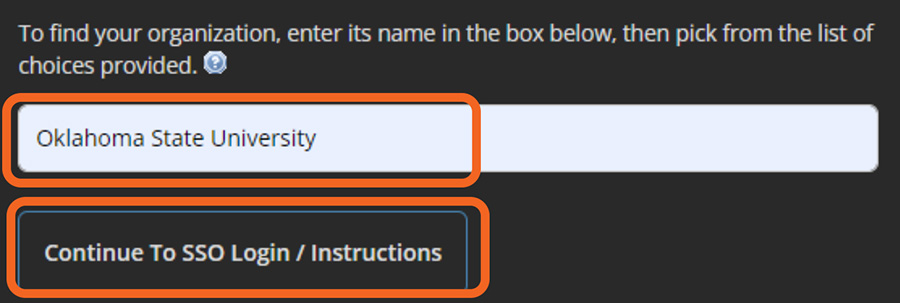
Type in “Oklahoma State University” and click the [Continue to SSO Login/Instructions] button.
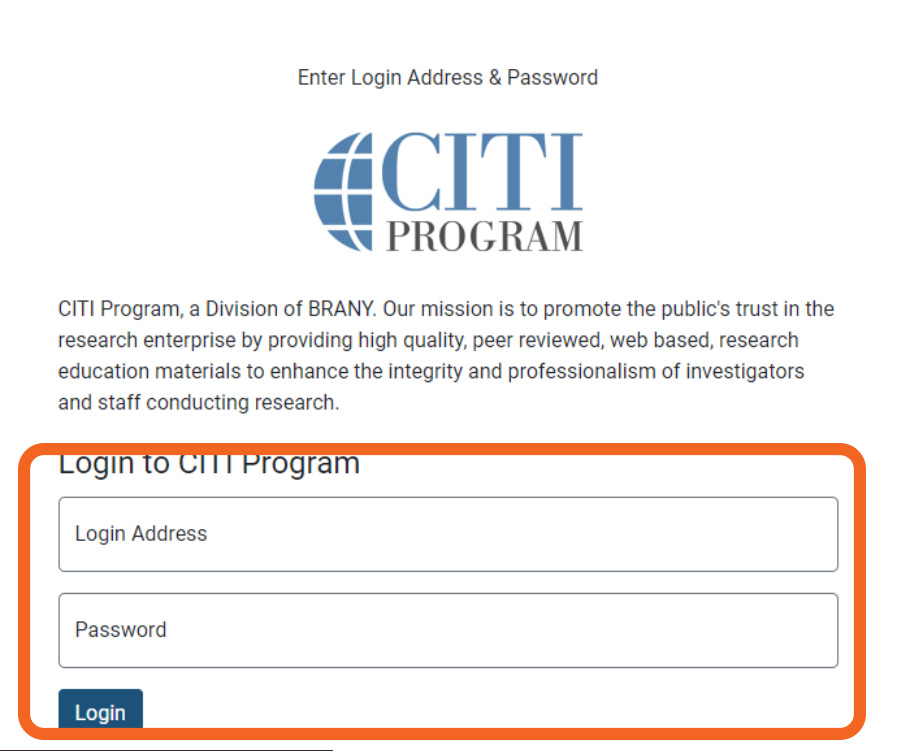
Enter in your Oklahoma State University email address and Okey password and click [Login].
Once signed into CITI you will be able to see courses which have been assigned to you or that you have signed up to complete.
You will go to the bottom of the screen and click on [Add a Course]

Next, you will navigate to Question 10 and place a check in “Annual Combined Research Security Training”
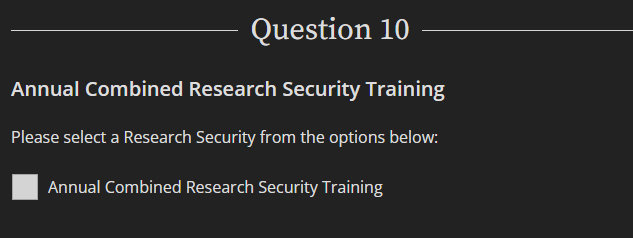
Next, you will navigate to the bottom of the screen and click [Submit]
You will be enrolled in the CITI training course.
You may start the course by clicking [Start Now]